Basic Camera Settings for Photographing the Aurora
Using an Android
To photograph the Northern Lights with your phone, first open the camera app and check under More if a Night mode is available. If so, select it, hold your phone as steady as possible—or use a tripod—and you should be able to capture the aurora clearly whenever it is visible to the naked eye, even if it appears only as a faint haze.
If your phone does not have a Night mode but offers a Pro or Manual mode, adjust the ISO setting to a high value, around 800, and if the option exists, extend the shutter speed to about 10 seconds. Keeping the phone steady during the exposure is essential to avoid blurring and to make the lights appear sharp in your photo.
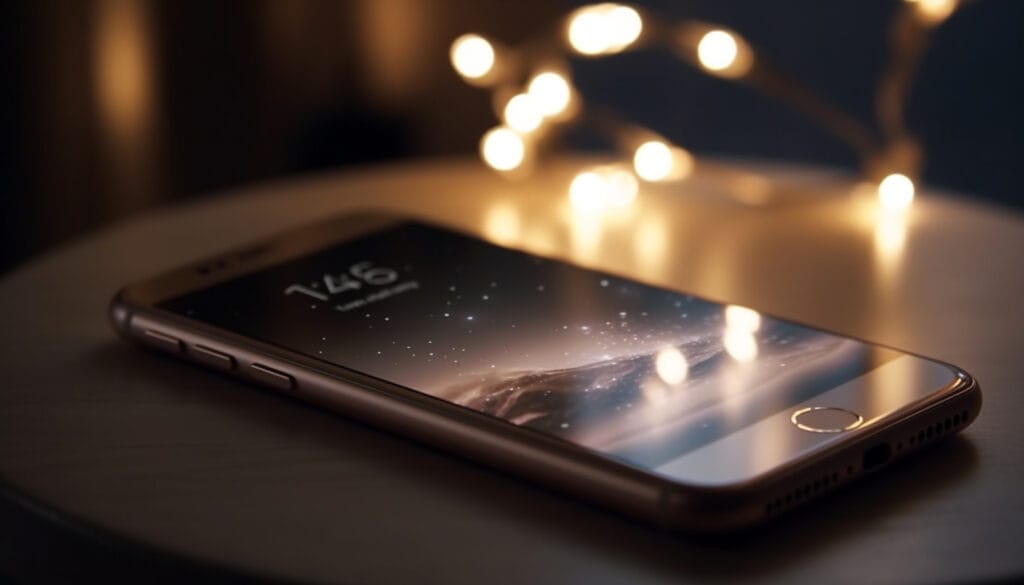
Using an iPhone
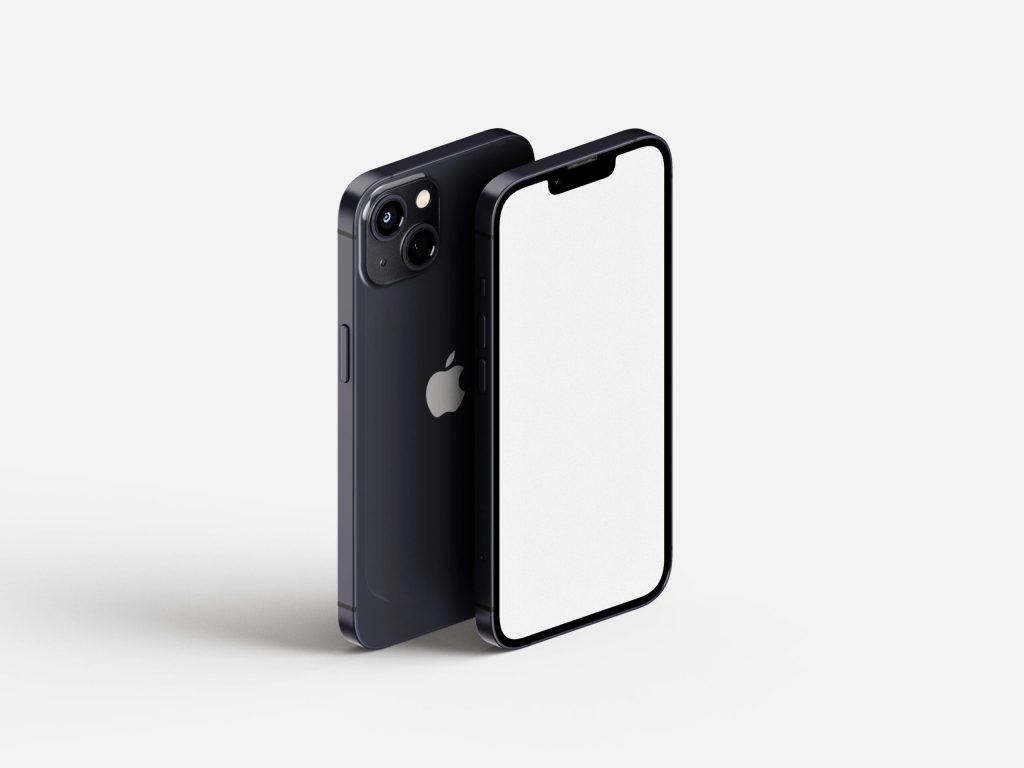
If your phone has night mode . A yellow icon appears automatically when using your camera in low light its next to the flash button too left – simply hold up your phone and it should automatically take a photo with a 3 second exposure,If it’s still too dark , tap the up arrow button at the top of the screen a row of icons will appear – tap the one to the right of the flash ( night mode icon) then scroll to the right to increase shutter speed to up to 10 seconds.
Phone camera general tips
Use a tripod ideally for the sharpest images, tap on the screen and hold to focus on a bright distant star.If you are unsure about using the auto functions then I reccomend the following camera apps.
Nightcap camera for iPhone
Open camera for AndroidWith the following recccomended settings:
– iso 2000
lowest number for f ( aperture)
and shutter speed around 10 seconds , again using a tripod, make sure you focus on a distant bright star
Using a Camera: DSLR/ Mirrorless
Put your camera on manual mode with manual focus, take off image stabilization / vibration control
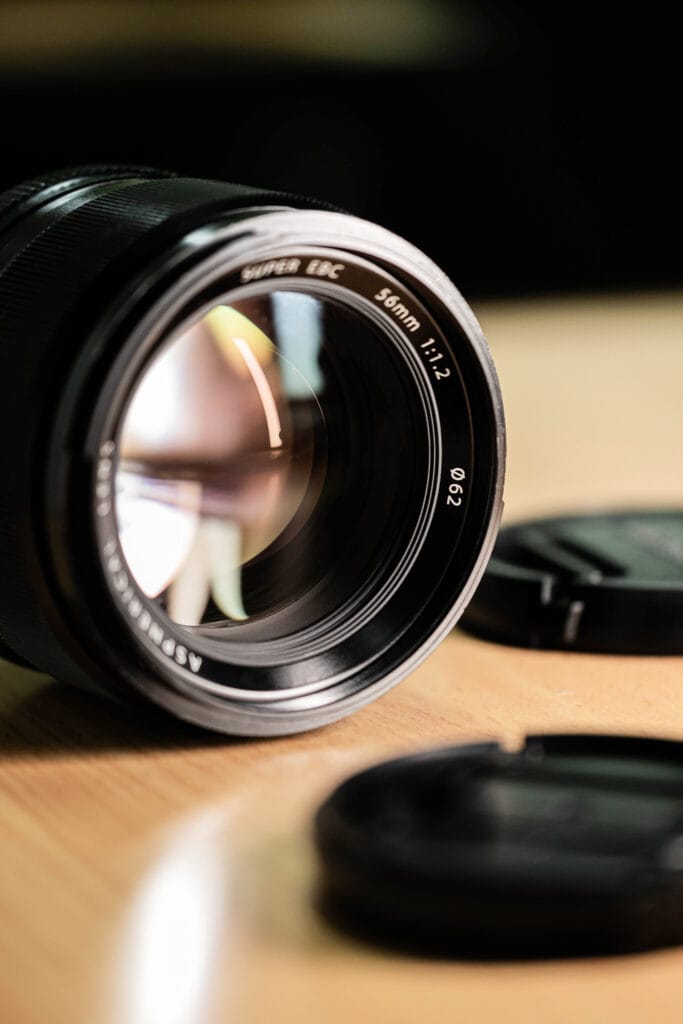
Place camera on tripod, focus manually onto a distant star- use live view and zoom in digitally – then turn the focusing ring on your camera lens to ensure stars are pin point sharp.
Start with around iso 3200, shutter speed 5 seconds , aperture as wide as your lens can go ( f1.8 etc)
Use the widest lens you have so you can have longer shutter speeds – 14mm.
If you don’t have a fast lens, then ramp up your iso , do not increase your shutter speed beyond 10 seconds as you will get star trails using a 35mm lens and above.
As the brightness of the aurora changes, change your shutter speed accordingly – bright = faster shutter speed 4 seconds – faint around 10.
Remember – focus your camera, everything on manual. Use a tripod, increase shutter speed with a medium/ high iso setting , use timer delay 2 seconds to prevent camera shake.
The Tours We Offer
- Rovaniemi
- 4.9
- 4 - 12 hours
- Max 8 guests per tour
- Rovaniemi
- 4.8
- 4 - 6 hours
- 8 - 48 people
- Rovaniemi
- 4.9
- 4 - 12 hours
- Up to 8 people